
Shipment status
See the latest recorded update, including pickup, transit, or delivery.
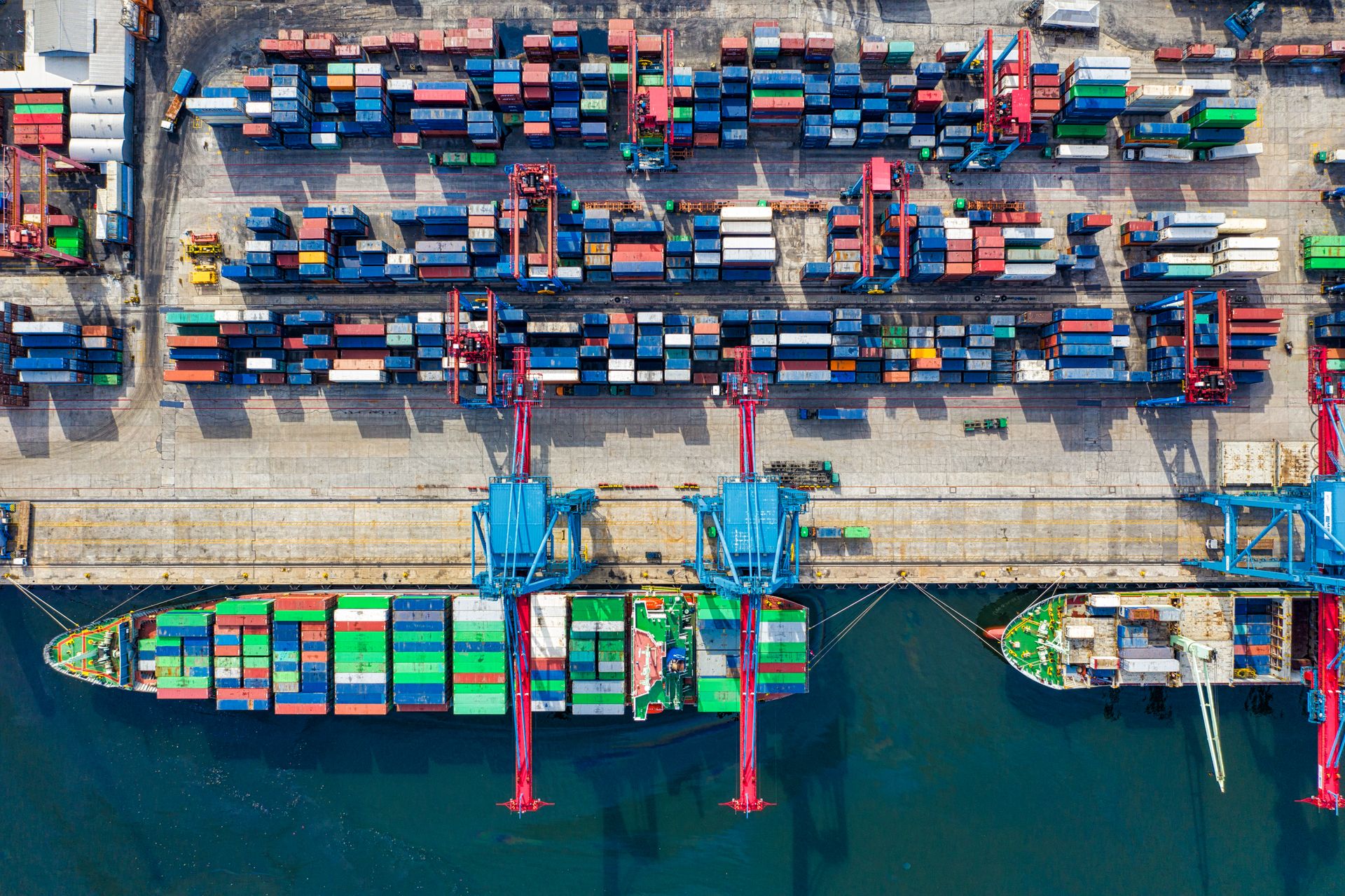
Find the latest shipment update, see the route, and check when your delivery is expected.
How do I find my tracking number?See the latest recorded update, including pickup, transit, or delivery.
Check the origin and destination, and see the estimated delivery date when it’s available.
Open the receipt if your sender shared one, or contact shipment support from the tracking page.
Check the service listed on your shipment to see how it’s being sent.

For shipments where transit time is a priority.

For larger shipments moving between ports.

For cargo moving between pickup points, warehouses, and delivery addresses.
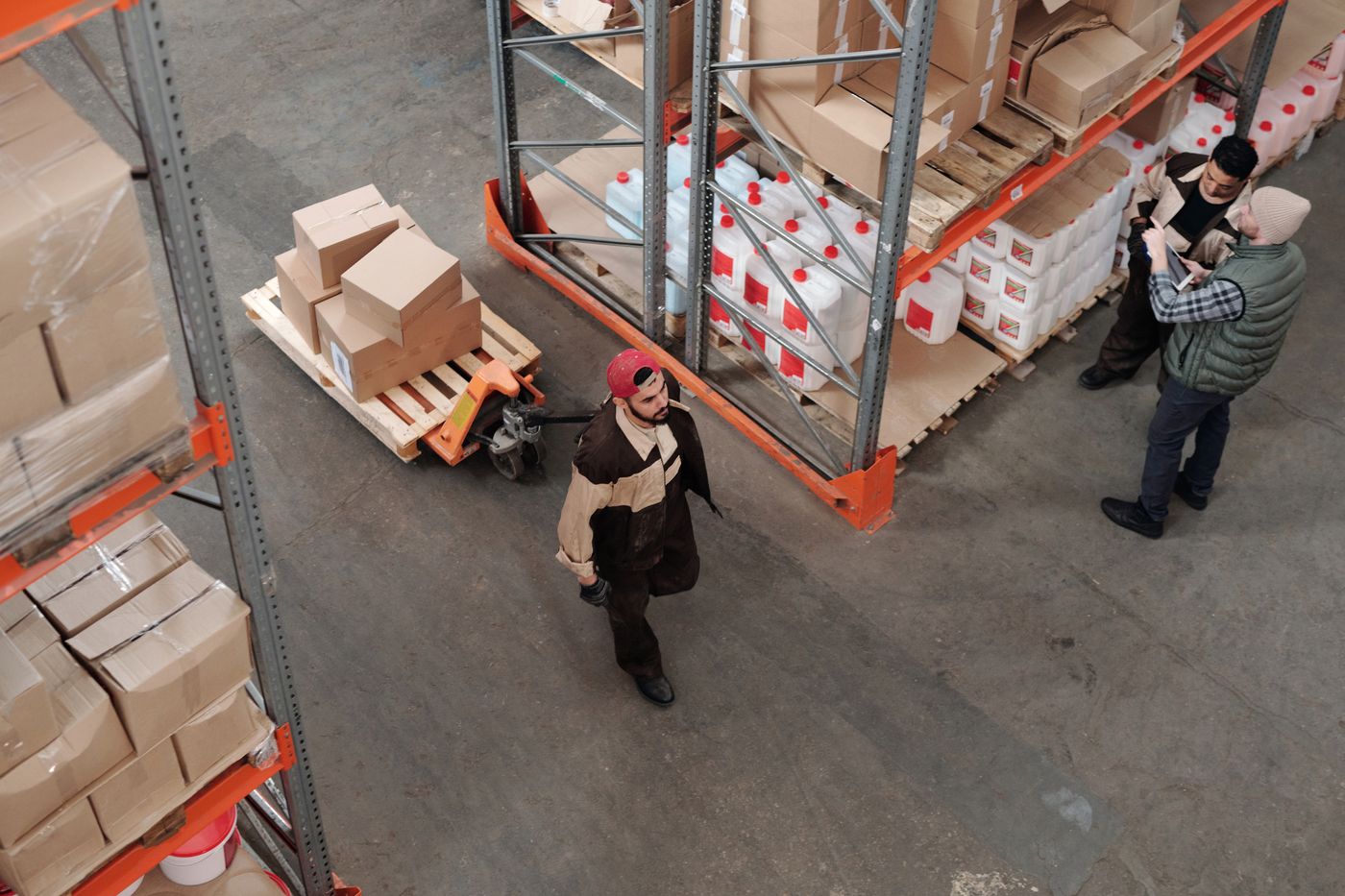
Cargo Delivery gives senders and recipients a shared view of a shipment. Your sender provides the tracking number. You can use it to follow updates and keep the shipment details handy.
Delivery dates are estimates. If your plans depend on a delivery time, check the latest update or contact the sender before making arrangements.
Find your tracking number, understand the route map, or get help with a delivery.
Find my shipmentCheck the message from your sender. If you can’t find it, ask the sender to confirm the full tracking number.
Tracking shows the latest recorded update. The status can stay the same while the shipment is between stops or waiting for its next update.
The map shows the recorded origin and destination. Where estimated progress is available, it shows the planned journey. Check the shipment history for recorded location updates.
Enter the customer tag from your chat in the same tracking box. Use the browser where you started the chat.
Enter your tracking number to find a shipment, or your customer tag to reopen a chat.
Use your tracking number or customer tag.